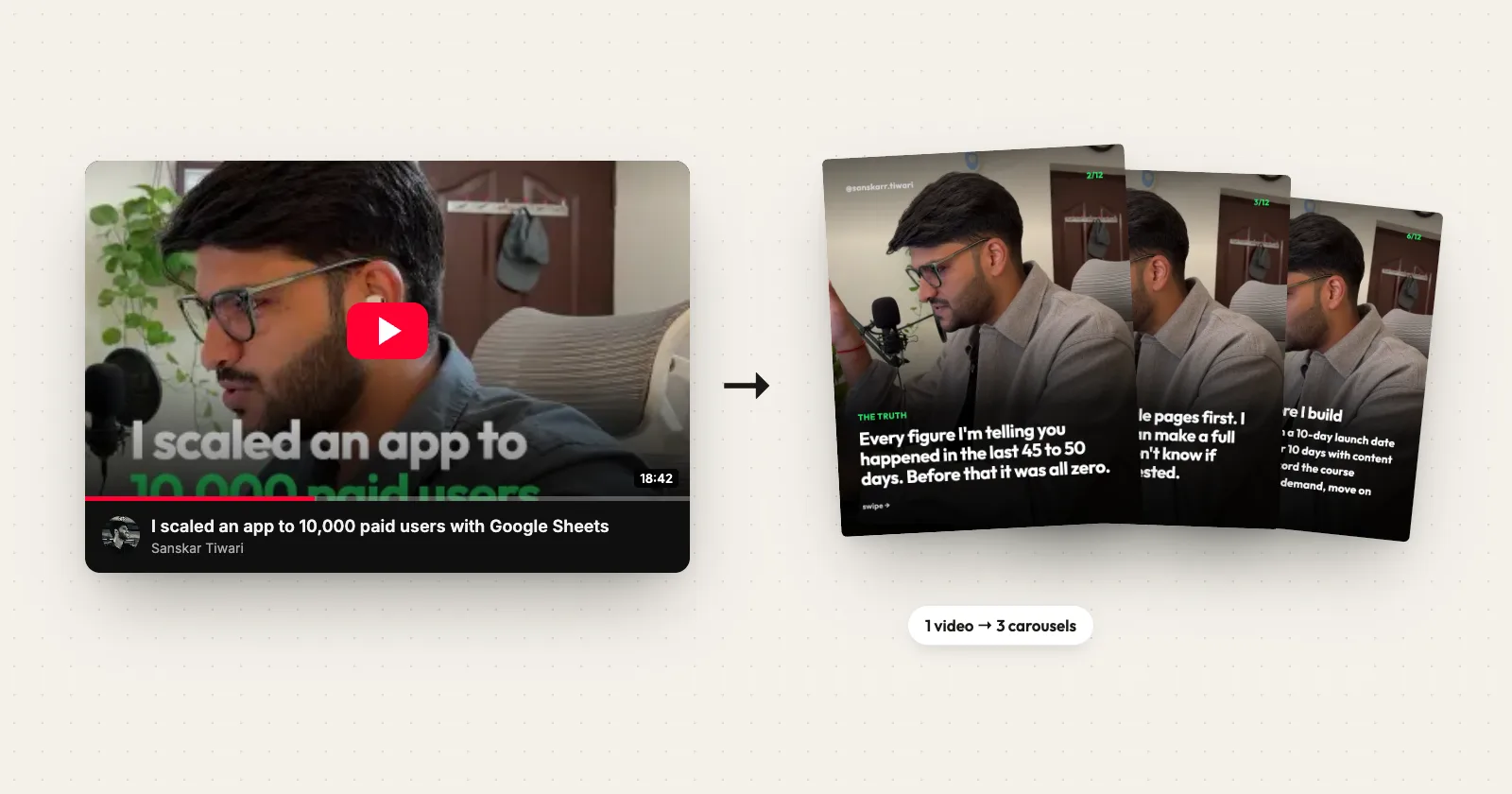
How to Turn One YouTube Video into 3 to 7 Instagram Carousels
Paste a YouTube link or search YouTube, pick how many carousels you want, and let AI pull the best ideas from the video and write a carousel for each. Step by step, with screenshots.
InstaCarousel Team
One video, a week of posts
A 15-minute YouTube video usually has five or six separate ideas in it: a story, a mistake, a framework, a few tips. Most people turn it into one post, or none.
InstaCarousel reads the video for you, picks its best ideas, and writes one carousel per idea. Pick 3 and you have three posts. Pick 7 and you have a week. Each one comes out in a template that fits it, saved and ready to schedule.
| You pick | You get |
|---|---|
| 1 carousel | A summary of the whole video |
| 3 carousels | One per big idea |
| 5 carousels | A week of weekday posts |
| 7 carousels | Every point, its own post |
Step 1: find the video
Open YouTube in the left menu of your dashboard. Paste a YouTube link, or type what you're looking for and hit Search. You'll see the top videos with their thumbnails and channels, so you can repurpose your own videos or find a good one on any topic.
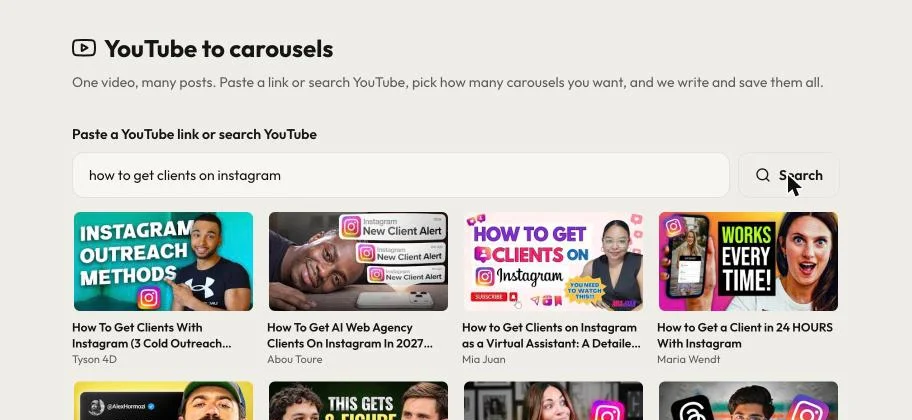
Your own videos work best. You already own the ideas, and the carousels send people back to the full video.
Step 2: pick how many carousels and the look
Click a video to select it. Then choose how many carousels you want, and the templates.
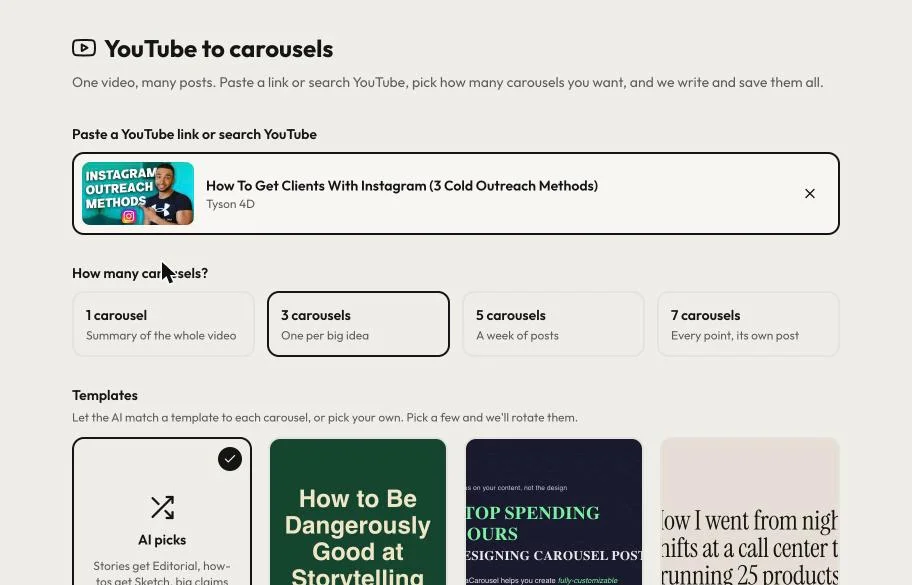
Leave AI picks on and each carousel gets the template that suits it:
- Editorial for personal stories and lessons
- Sketch for step-by-steps, lists and how-tos
- Bold Statement for one strong claim, myth or opinion
That way your feed doesn't look the same every day. If you'd rather pick, select one or more templates and they rotate.
Step 3: watch it work
Hit Make 3 carousels. You'll see each step as it happens, with the time left:
- Reading the video: it gets the full transcript.
- Picking the best ideas: it chooses the strongest, non-overlapping ideas and shows them to you.
- Writing the carousels: all of them at once, 6–7 slides each.
- Saving to your Carousels.
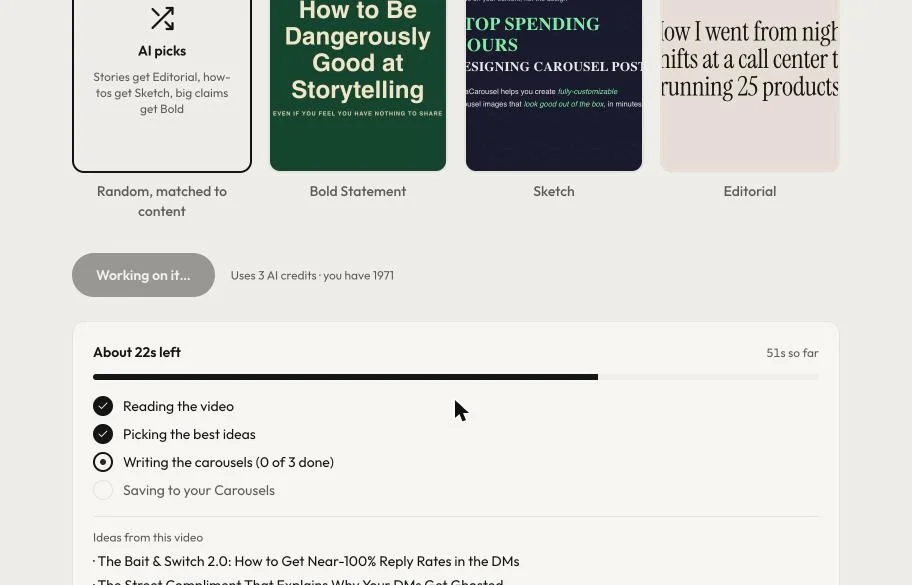
It takes a minute or two for 3 carousels, and you can see exactly where it is the whole time. Each carousel uses 1 AI credit, and you're only charged for the ones that get made.
Step 4: your carousels are ready
Every carousel has a hook slide, the content slides and a call to action, written only from what the video says. No made-up numbers or claims.
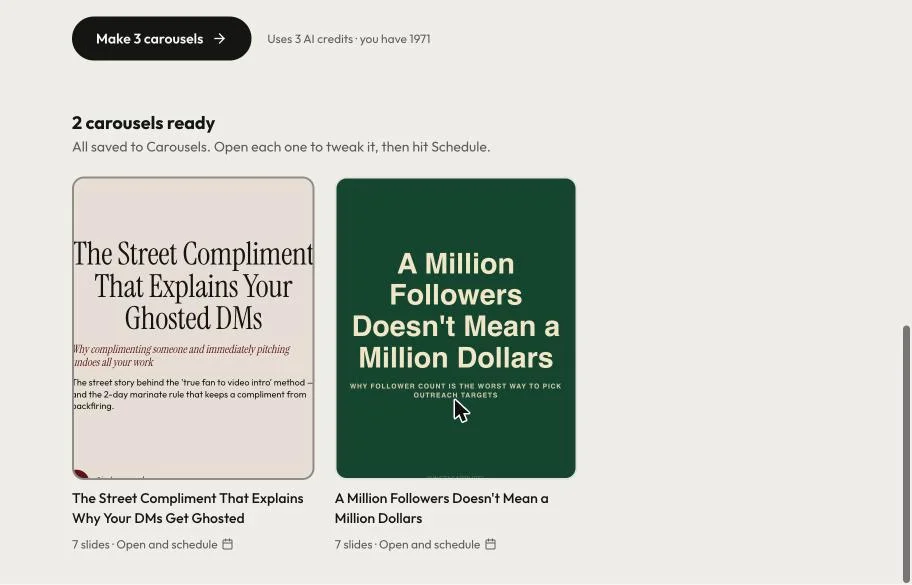
Step 5: tweak and schedule
Click any carousel to open it in the editor. Change a word, swap the colours, add your photo, then hit Schedule to post it to Instagram on the day you want.
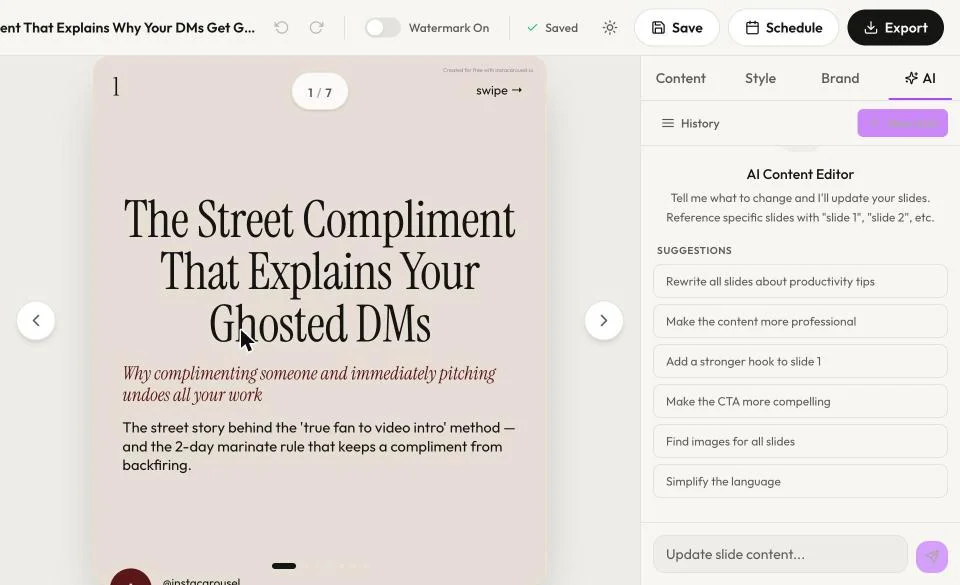
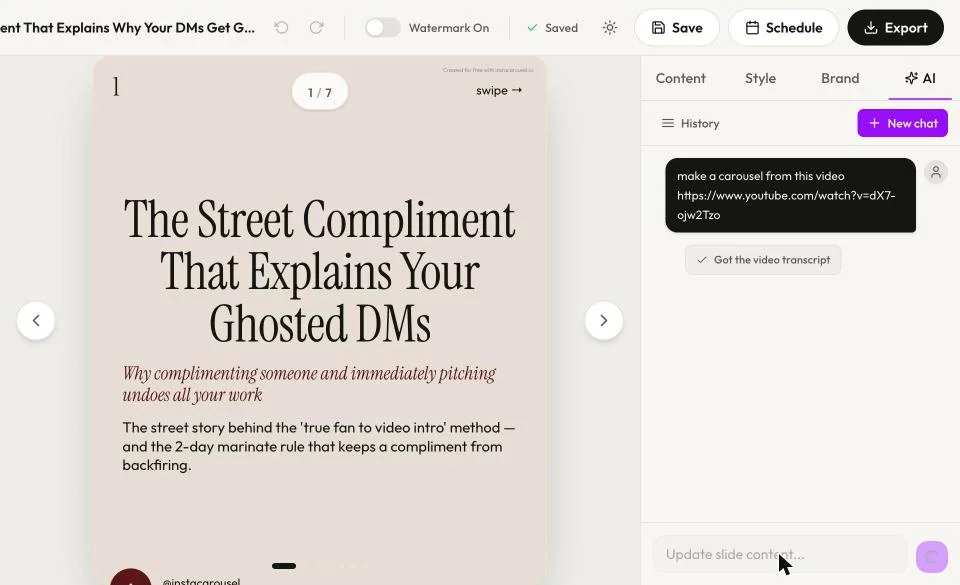
Already in the editor? Paste the link in AI chat
You can also paste a YouTube link into the AI tab inside the editor. It reads the video and rewrites or adds slides from it, so you can turn one section of a video into the carousel you're working on.
Tips for better carousels from a video
- Pick videos with substance. Talks, tutorials, interviews and how-tos work best. Music videos and Shorts don't have enough to say.
- Use your own videos. Put "Full video on my YouTube" in the last slide or the caption and you get two channels working together.
- Space them out. Three carousels from one video work best posted over a week, not on the same day. See how to plan a month of Instagram content in one hour.
- Boost the winner. When one carousel gets far more saves and shares than the rest, turn it into a Meta ad.
Try it
Open YouTube to carousels, paste a link, and pick 3. You'll have three posts ready before the video would have finished playing.
Ready to create your own carousel?
Turn any content into professional Instagram carousels in seconds.
Start Creating — It's Free